OneScribe reads what you scan and turns it into organized, searchable details, with the AI running on your iPhone or iPad.
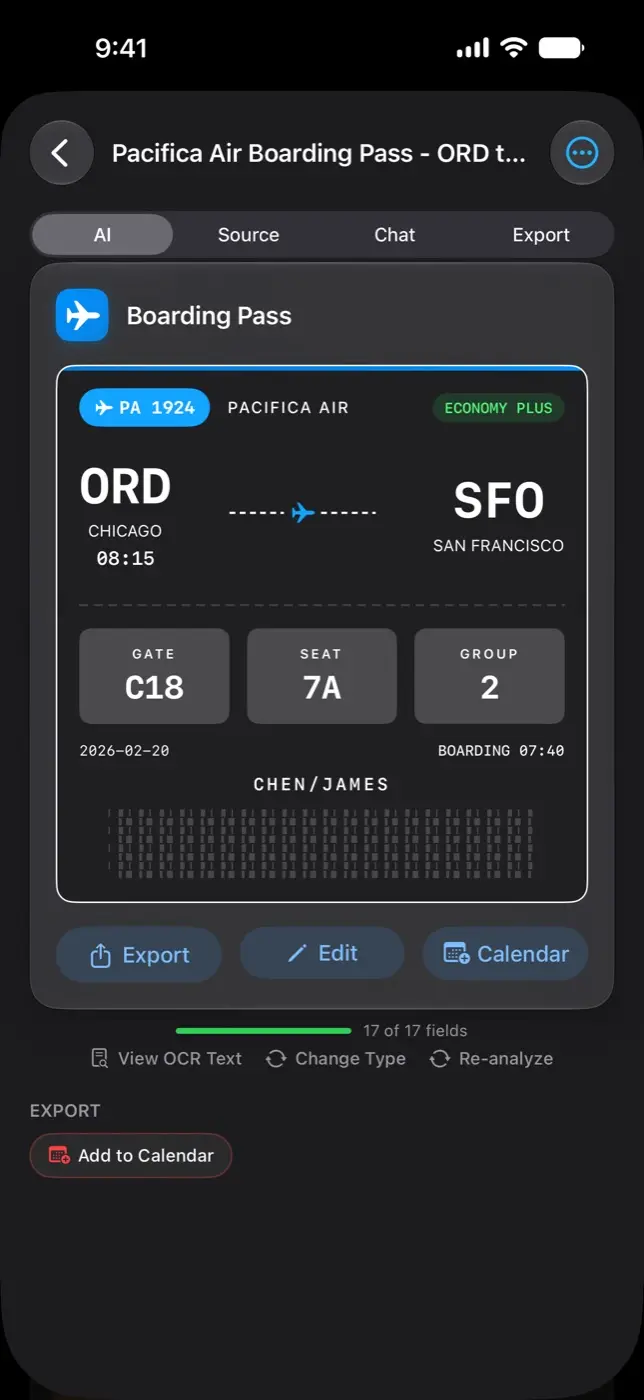
OneScribe turns a photo of a receipt, a lease or a boarding pass into a structured card: the vendor, the dates, the amounts, the deadlines. The reading happens on the device: there’s no account to create and no OneScribe server to send anything to. Scanning is free; Pro is a single $9.99 purchase.
Most scans end up as a flat image or a block of text. The information people actually need, like when the warranty ends or what the lease says about notice, stays buried until someone rereads the page. Many of these documents are also the most private ones a person owns: tax forms, prescriptions, IDs. That made on-device processing the starting point, not a feature.
What it does
A card for every document
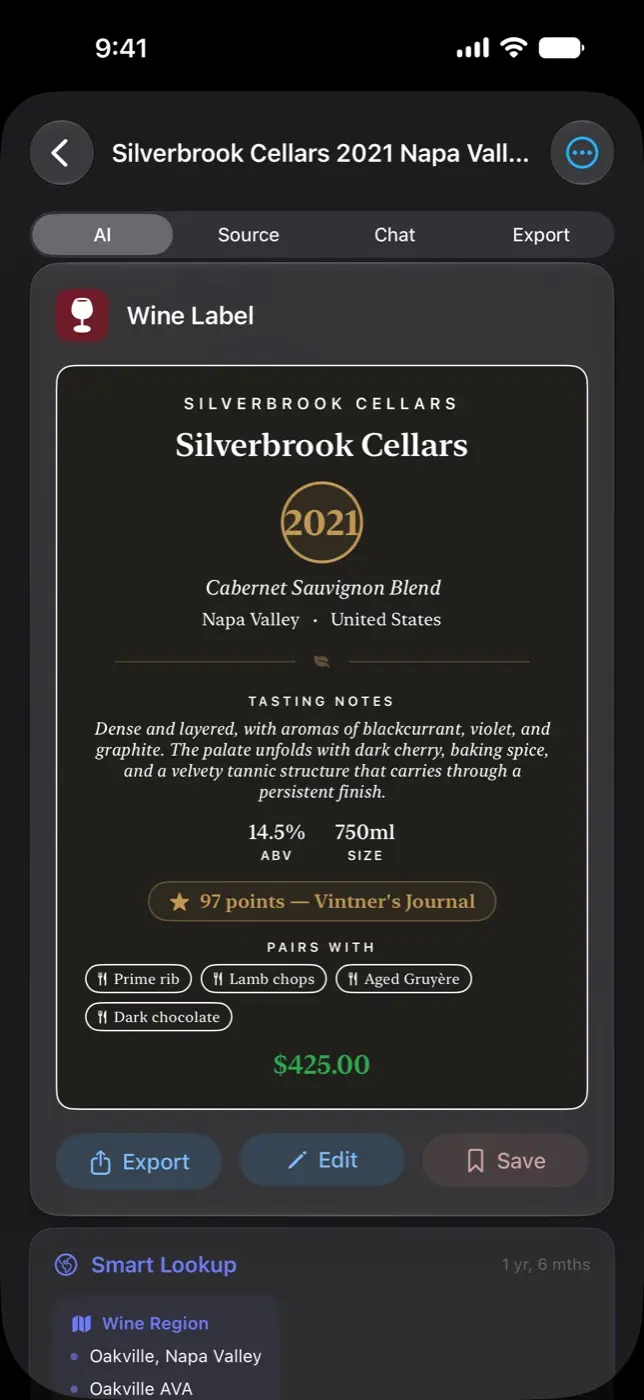
OneScribe knows dozens of kinds of document, each with its own Data Card. A receipt card holds the line items, tax and total; a contract card holds the deadlines and renewal windows.
Ask in plain English
Search the whole library in natural language, or chat with a single document. Voice conversations run on the device too.
A daily briefing
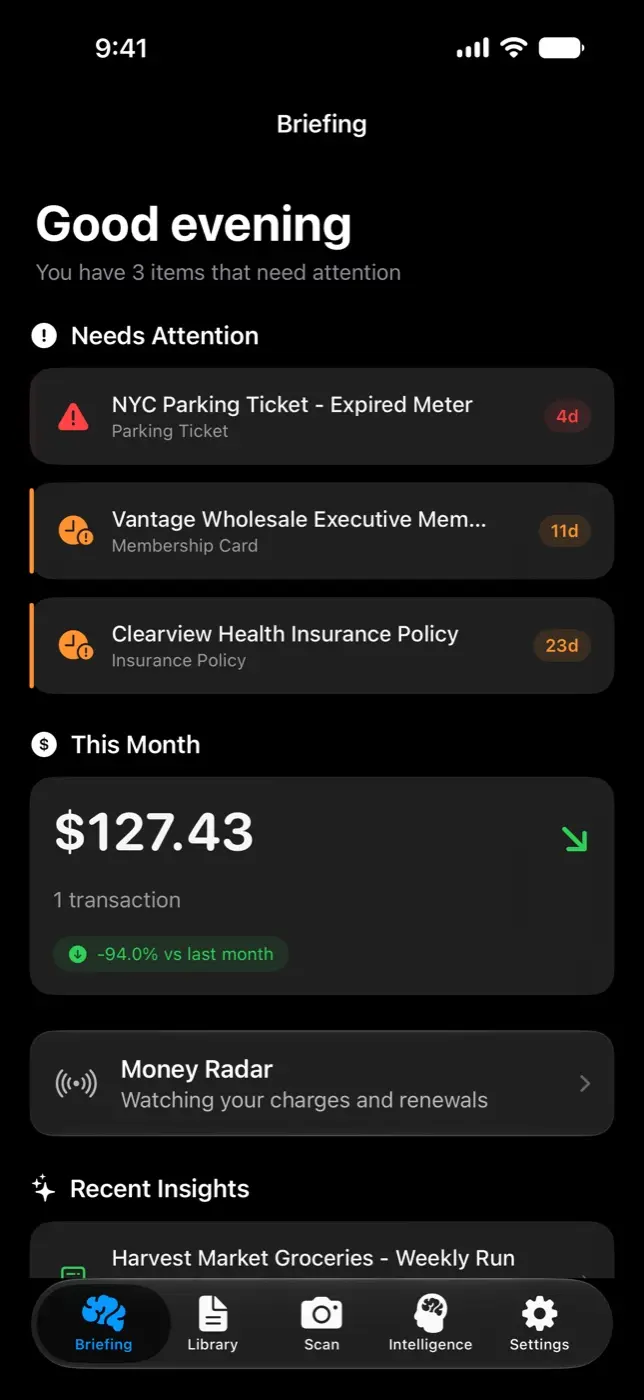
Each morning it lists what needs attention, from upcoming deadlines to recent spending, so you don’t have to go looking.
Alerts before deadlines
You hear about it before a warranty lapses, a return window closes or a policy comes up for renewal.
Documents that link up
Related documents connect automatically: a receipt with its warranty, an invoice with its payment, an insurance card with a vehicle registration.
Exports to the right app
Contracts go to Calendar, business cards to Contacts, meeting notes to Reminders and receipts to a spreadsheet.
How it’s built
Typed extraction, checked afterward
Every document type is a Swift @Generable struct, so Apple’s on-device model fills typed fields instead of writing prose. There are 151 schemas and about 1,420 field instructions, all written in one house style. After each extraction a validator flags impossible dates, negative amounts and balances that don’t add up; a critical issue triggers one retry in a fresh session.
Vision reads the page, Core ML sorts it
A single Vision document request per page returns the text in reading order with its structure and barcodes, which let the project delete about 1,200 lines of its own layout code. A Core ML classifier identifies the document type first and returns immediately when it’s confident; only ambiguous documents reach the language model.
Rules decide, the model writes
Document links come from a pure rule engine: same vendor, related types with matching amounts, identical policy numbers. The briefing picks what is due within 30 days, and the model only writes the headline and first paragraph, with fixed text standing by if it fails.
On the record
Export modes
19
Typed schemas
151, with about 1,420 field instructions
On the App Store
Since January 2026
OneScribe is free to download and scan with. Pro is $9.99, once.